

For customers
Stamp cards, minus the app
Scan, collect, get your free drink. No app, no sign-up, no phone number.
01 · Made to be easy
One scan and you're in.
-
Nothing to download
Scan a shop's code with your phone camera and your card opens in the browser. Bookmark it, or add it to your home screen.
-
No sign-up, no phone number
The first scan sets up a guest wallet. You don't give your name, email or number to get a stamp.
-
Your cards, in one place
Every Corner card you collect sits in the same wallet, so you always know how close your next free drink is.
-
Find cafés near you
Discover lists Corner shops by neighborhood, with badges and perks for exploring your area.
Want to try it?
Open the demo café02 · Your privacy
You decide what each shop sees.
What does a shop see about me?
Your visits, stamps and rewards at that shop. Your name, email and number only if you choose to share them with that shop. Sharing is off by default and works one shop at a time.
Will shops spam me?
No. A shop can send at most one announcement a week, and you can mute any shop whenever you like.
What if I change phones?
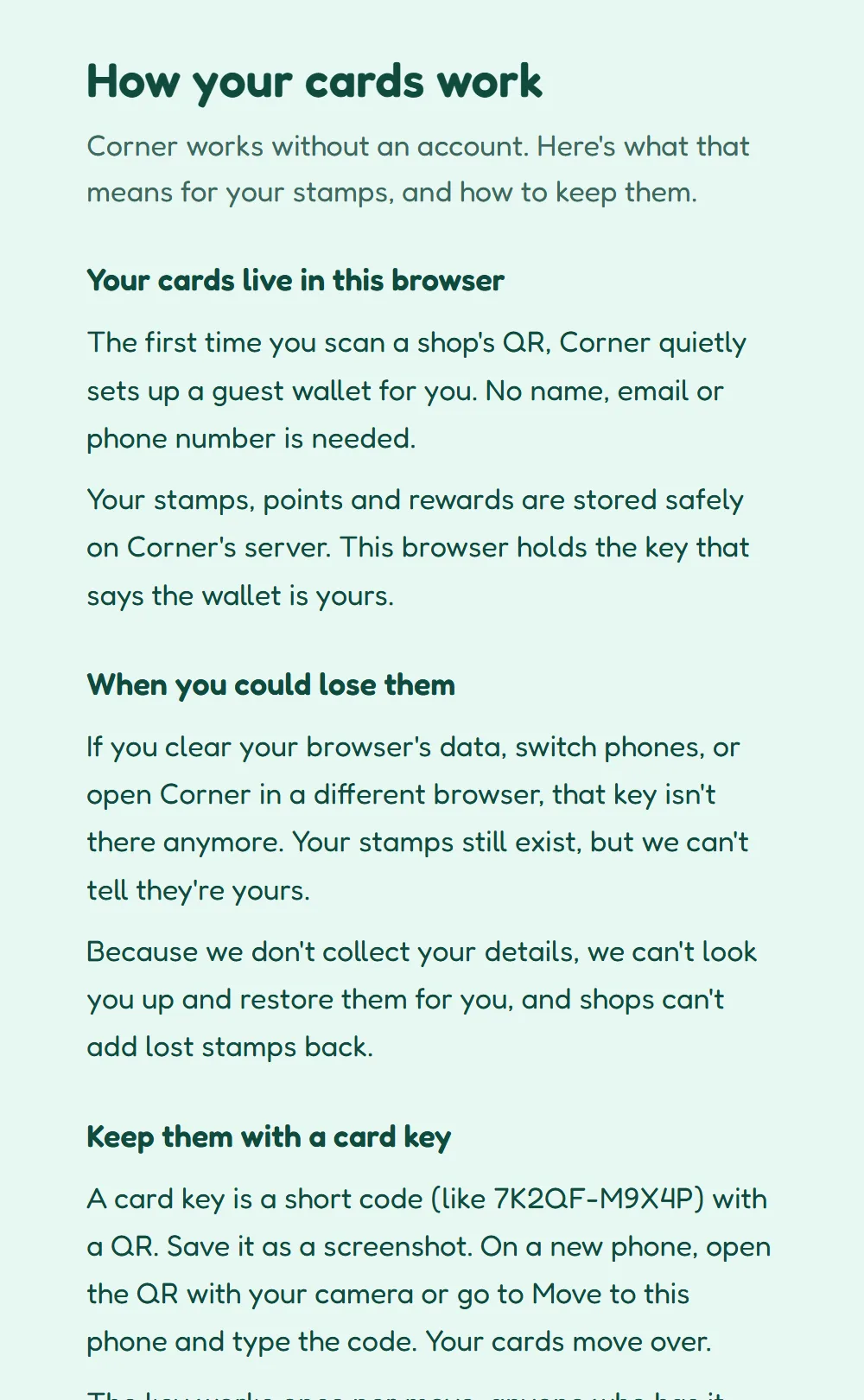
Make a card key in Profile: a short code with a QR. Open it on your new phone and your cards move over. You can also sign in with an email code or Google to keep cards across phones.
What if I clear my browser?
Your stamps are kept on Corner's server, but your browser holds the key that says they're yours. Save a card key, or sign in, so you can always get them back.